
Monkey Notes
Things we noticed while fixing annoying things.
New tools, annoying problems and the thinking behind them.
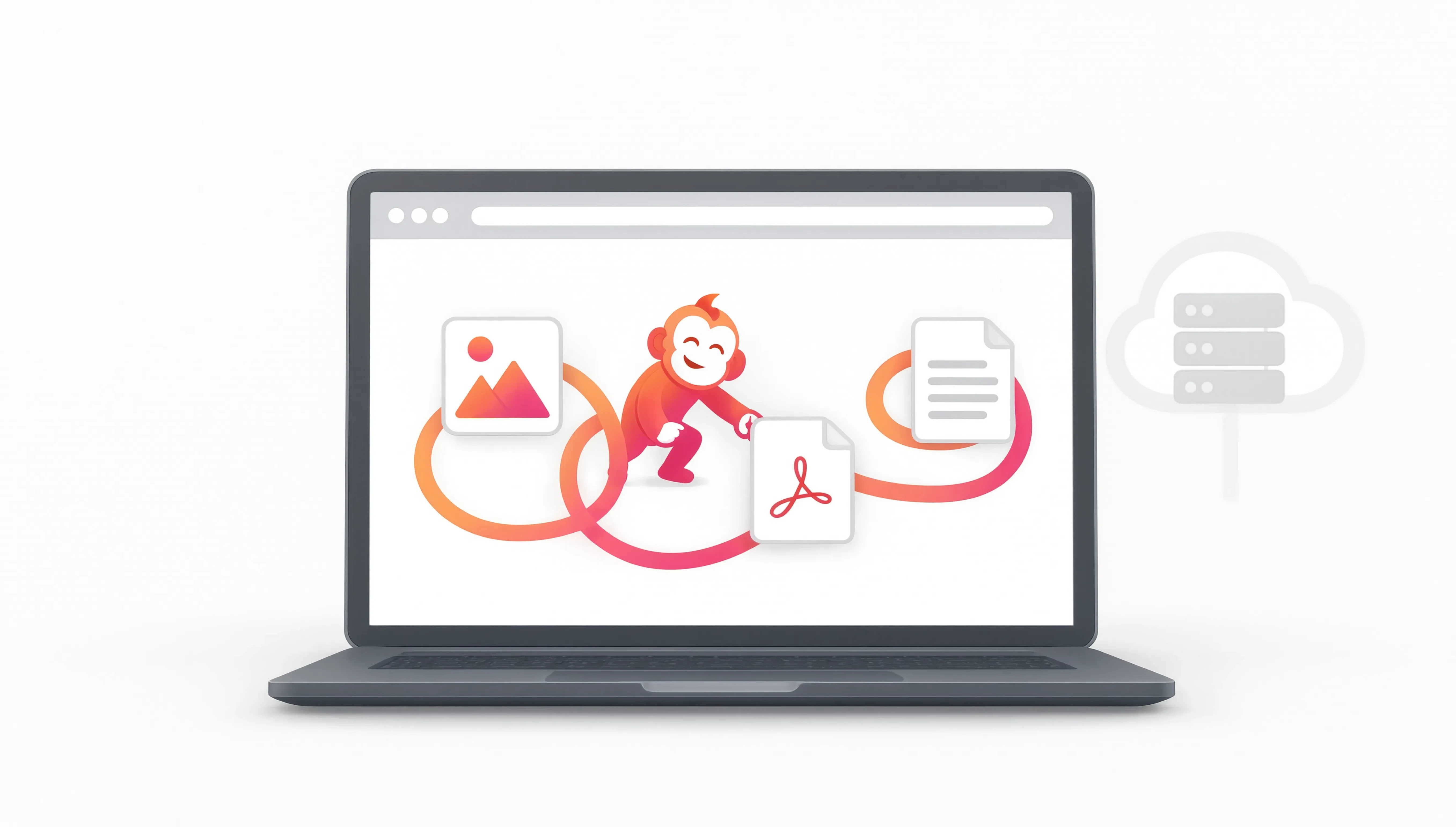
Why your file stays in your browser when it can.
A simple resize should not quietly turn into an upload. Where practical, OutMonkey does the work on your device.
Read note
Search the job, not the tool name.
People usually know what is annoying them. They do not always know the technical name of the operation that fixes it.
Read note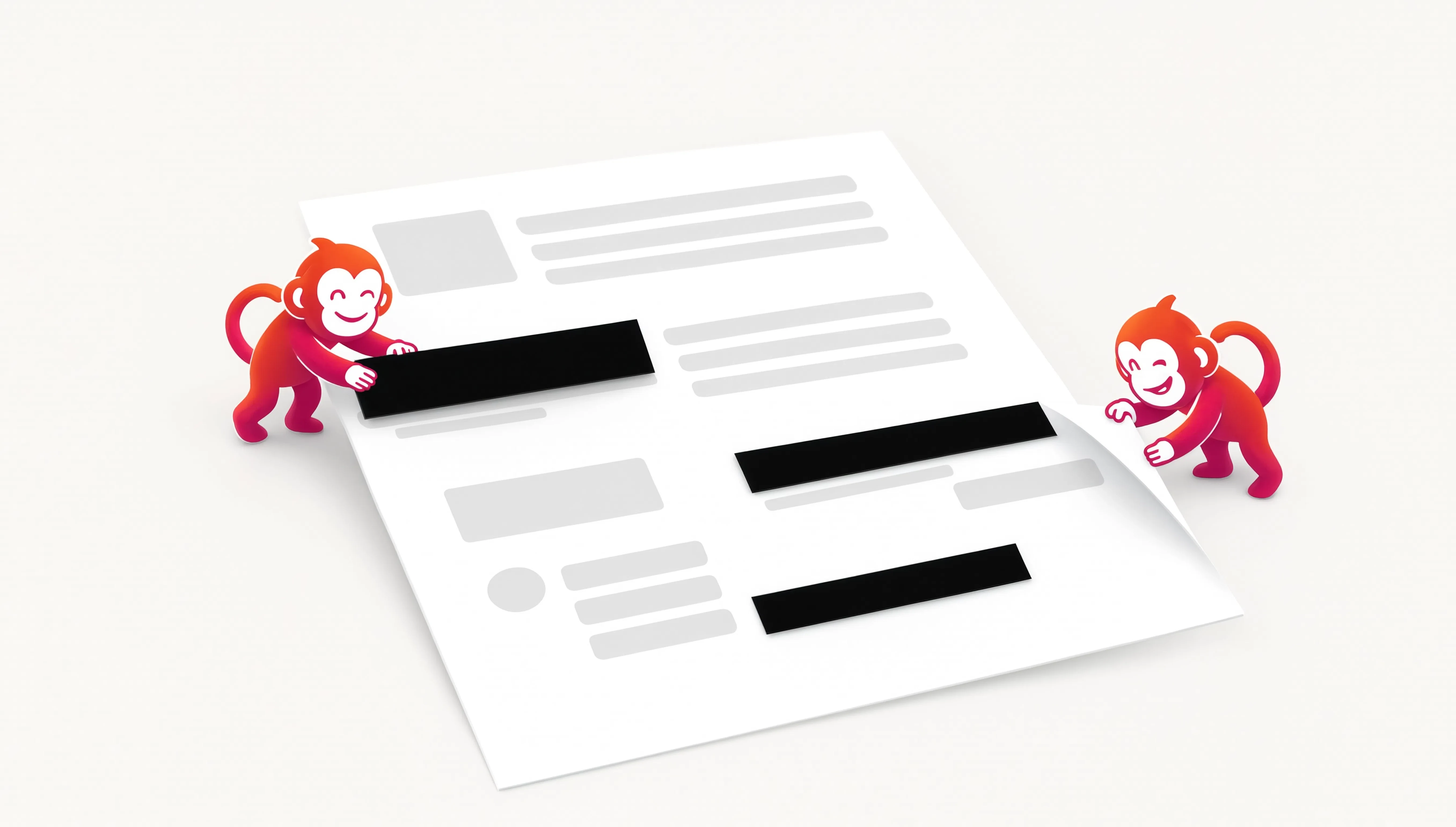
A black box isn’t necessarily redaction.
If the text is still sitting underneath the rectangle, you have hidden it from your eyes. You have not necessarily removed it from the PDF.
Read note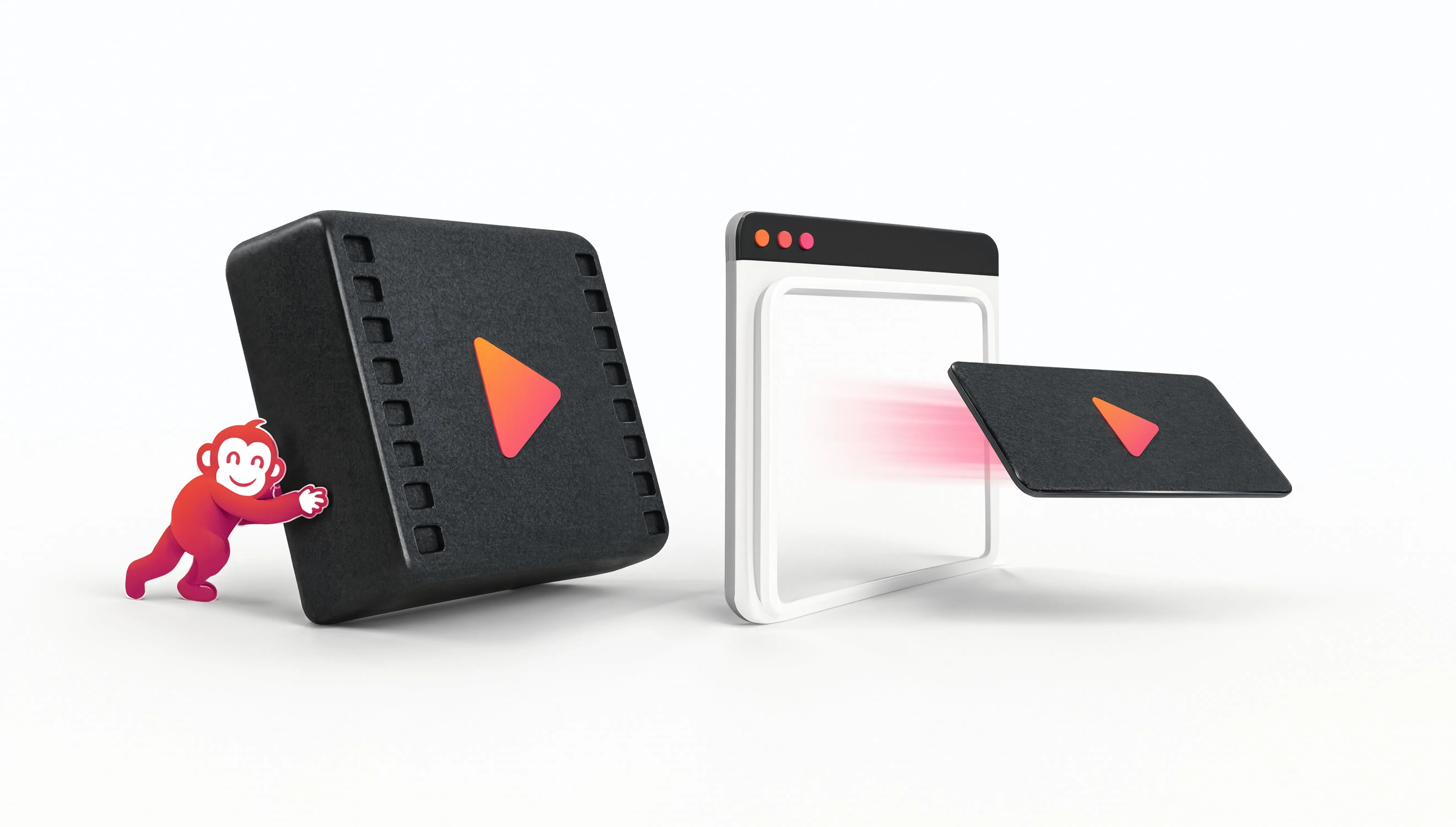
Why we added MP4 → WebM.
We had a landing-page animation. It looked right. It was also much heavier than it needed to be.
Read note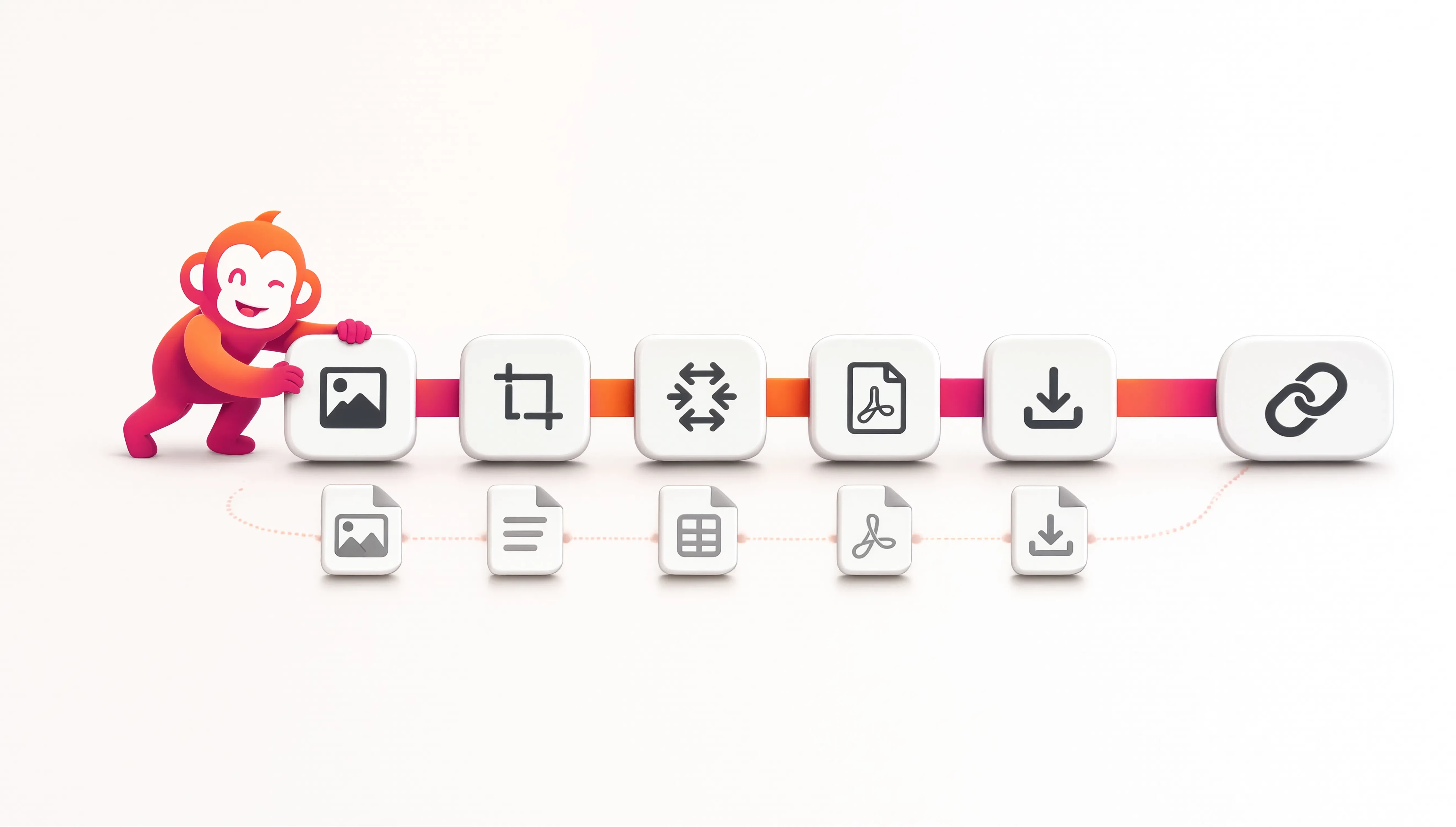
A Monkey is a recipe, not a place to store your files.
The useful thing worth saving is often the order of the steps, not another copy of the document, image or video.
Read note
One little job shouldn’t need a whole app.
A tiny digital task should not turn into a software decision, an account, a tutorial and twenty minutes of clicking around.
Read note