It looked redacted. That was the problem.
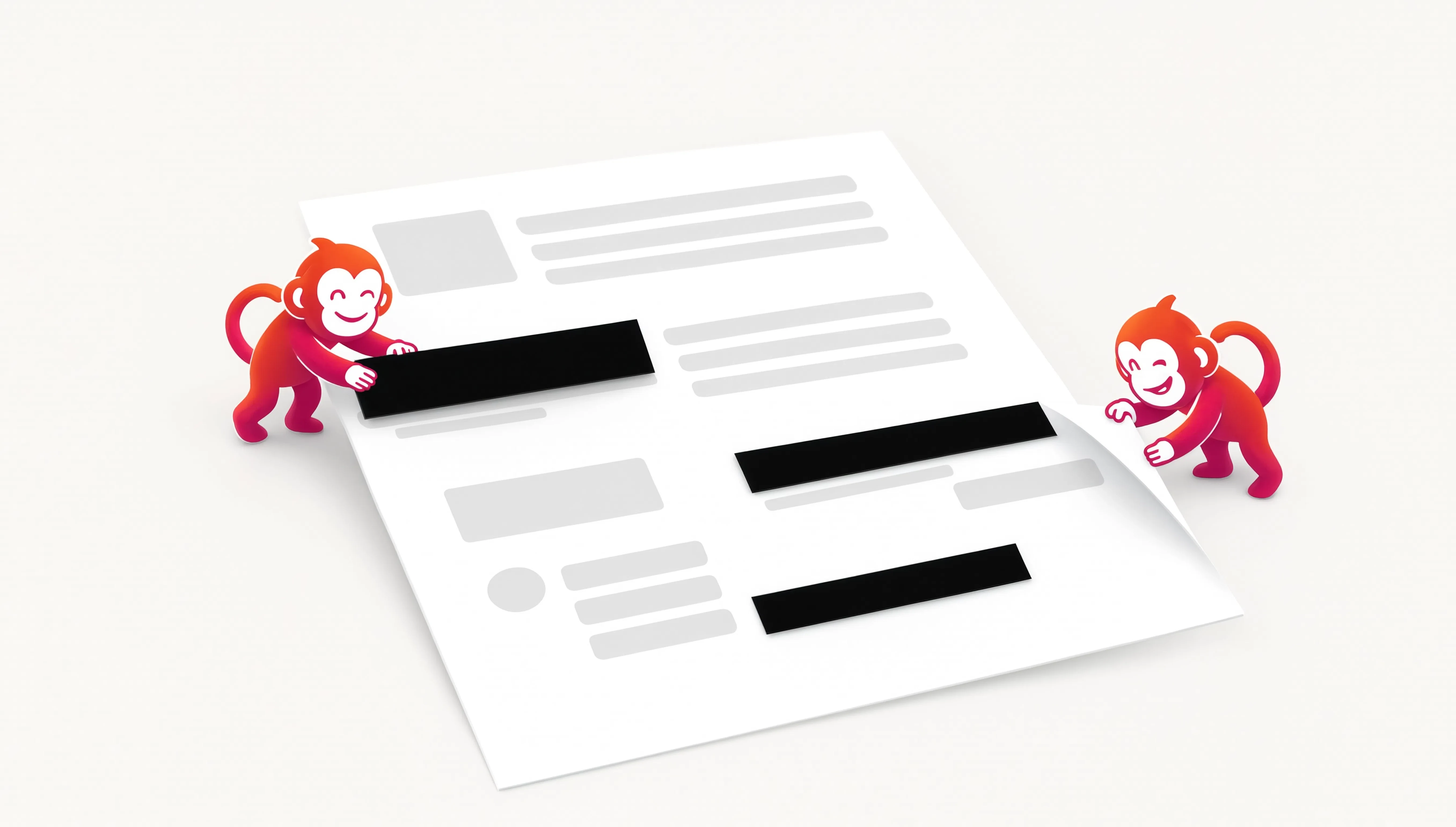
Our first pass at PDF redaction could place a black rectangle over the page. Visually, it did what people expect a redaction tool to do.
But a visual cover is not enough if the original text can still exist underneath it. Someone copying text, inspecting the PDF or removing an overlay may still be able to recover what you meant to hide.
So we changed the job, not just the button.
The redaction area now becomes part of a flattened page result rather than a cosmetic shape sitting above selectable content. We also added a preview and controls for the rectangle so you can place a narrow line, a wider block or whatever the document actually needs.
The point is not to make the tool look more serious. The point is to make the result match the promise.
A useful rule for privacy tools.
When the consequence matters, the interface should explain what is actually happening. A black rectangle is easy to understand, but the mechanism underneath it matters more.
We will keep treating that as part of the product, not as a detail the user is expected to know already.
Covering information and removing information are not the same job.