This one started with our own annoying job.
The OutMonkey homepage uses a short looping animation. We had the MP4, but for a website we wanted something lighter that could still look clean and loop smoothly.
The normal answer was a command-line conversion or a desktop app. Both work. Neither felt proportionate to the job.
So the conversion became a tool.
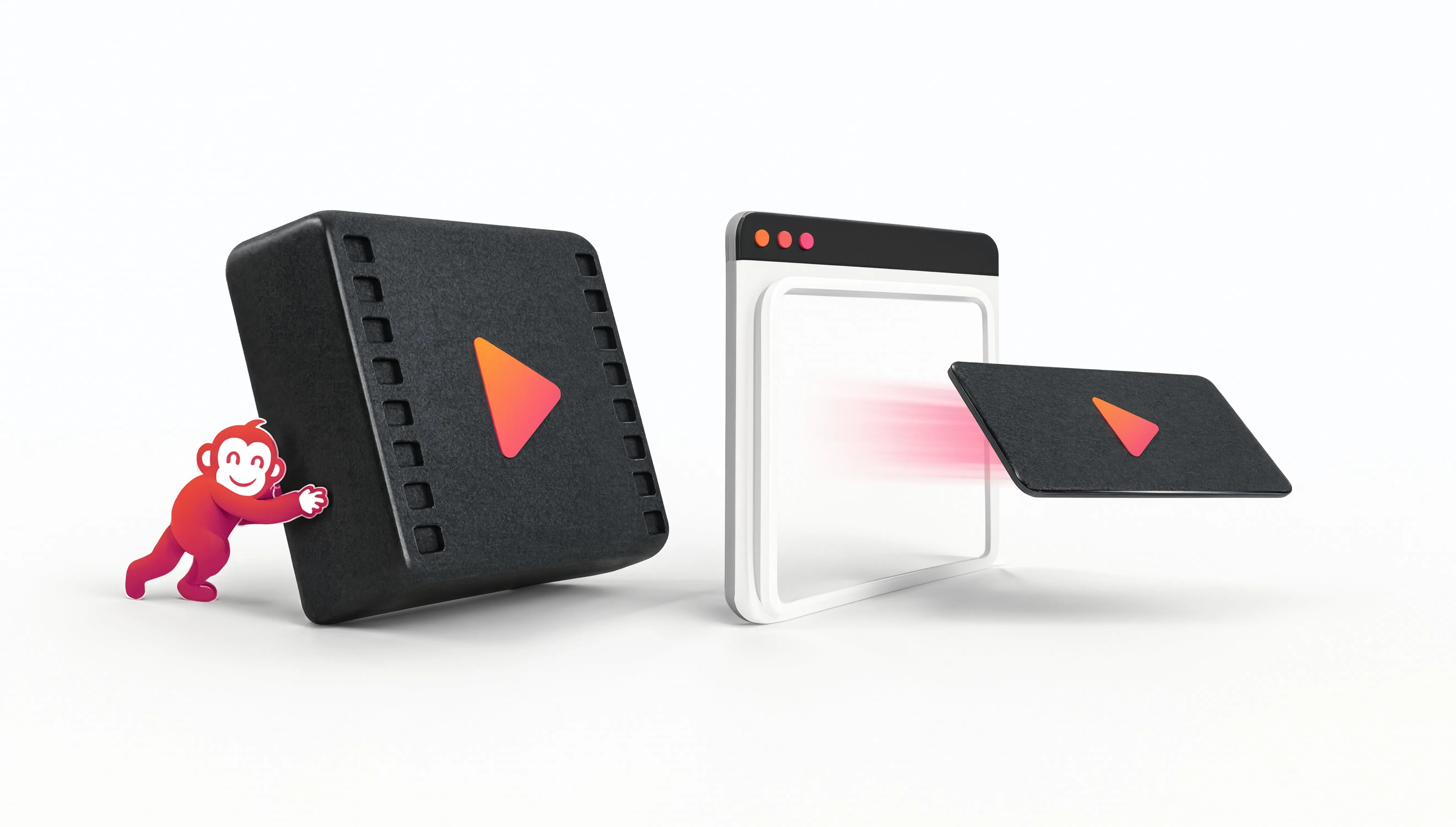
MP4 to WebM does one thing: takes a video and gives you a web-ready WebM with a couple of sensible quality choices.
You can choose a smaller result when page weight matters most, or keep more quality when the source needs it. No codec lecture required before you can press the button.
That is a pattern we like.
A surprising number of useful tools begin with someone saying, surely I should not need an entire app for this.
When that happens to us while building OutMonkey, there is a good chance it belongs in OutMonkey.
The best test for a tiny tool is whether we were annoyed enough to need it ourselves.