A browser can do more than people think.
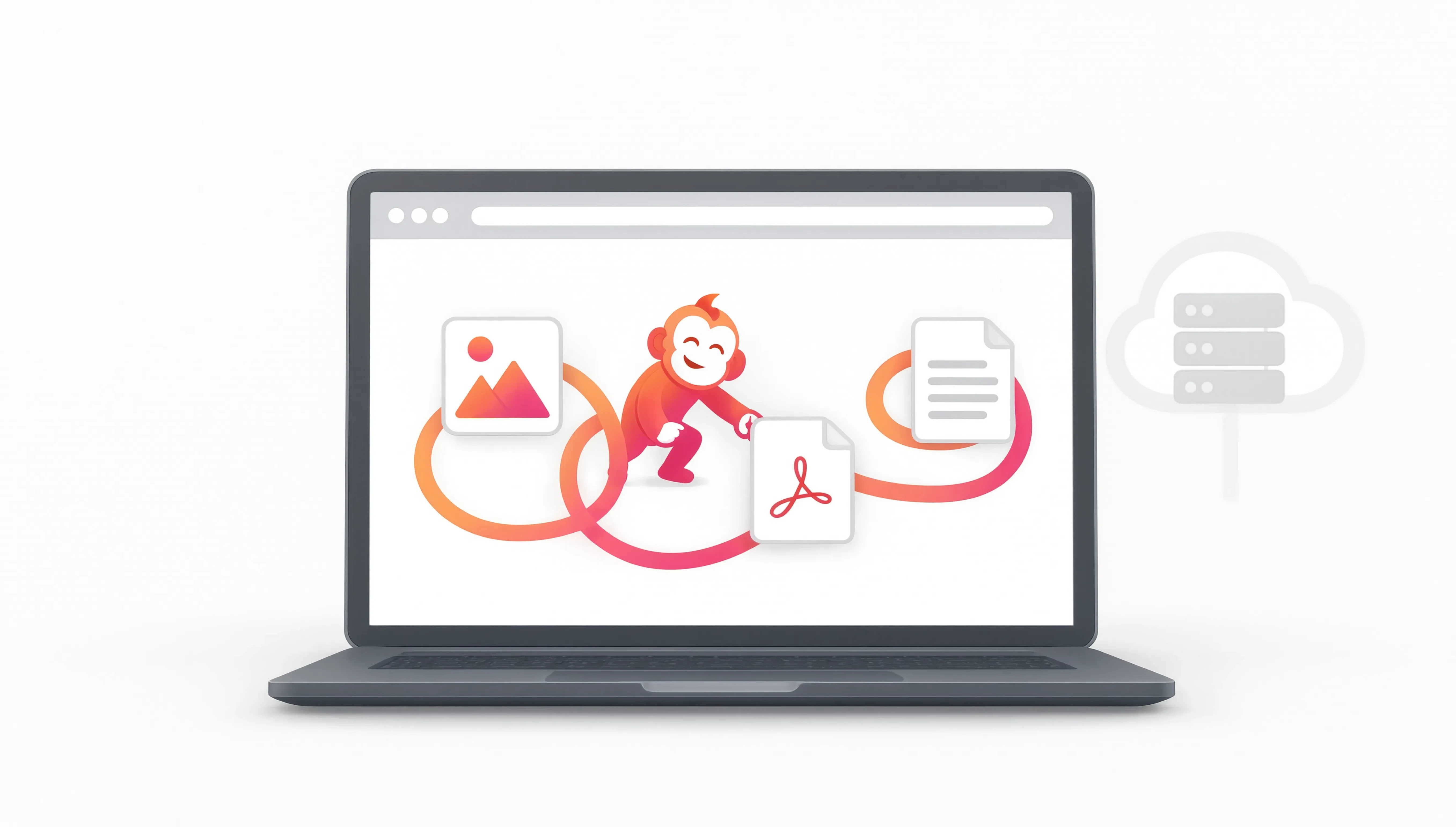
For many image, PDF and utility jobs, modern browsers can process the file right on the device. That means the source file does not need to travel to an OutMonkey server just to finish the task.
When that is practical, it is our preferred shape for the tool. It is quicker to understand, reduces unnecessary handling and makes the privacy story much less mysterious.
Not every tool can stay local.
Some jobs need hosted processing or a hosted AI model. When that happens, the tool should say so before processing starts so you can decide whether to continue.
That distinction matters more than vague promises about being private. We would rather tell you what the specific tool does.
And Monkeys do not hide files in the URL.
A saved Monkey URL contains the workflow name, the tools and their order. Your files are not embedded in that link.
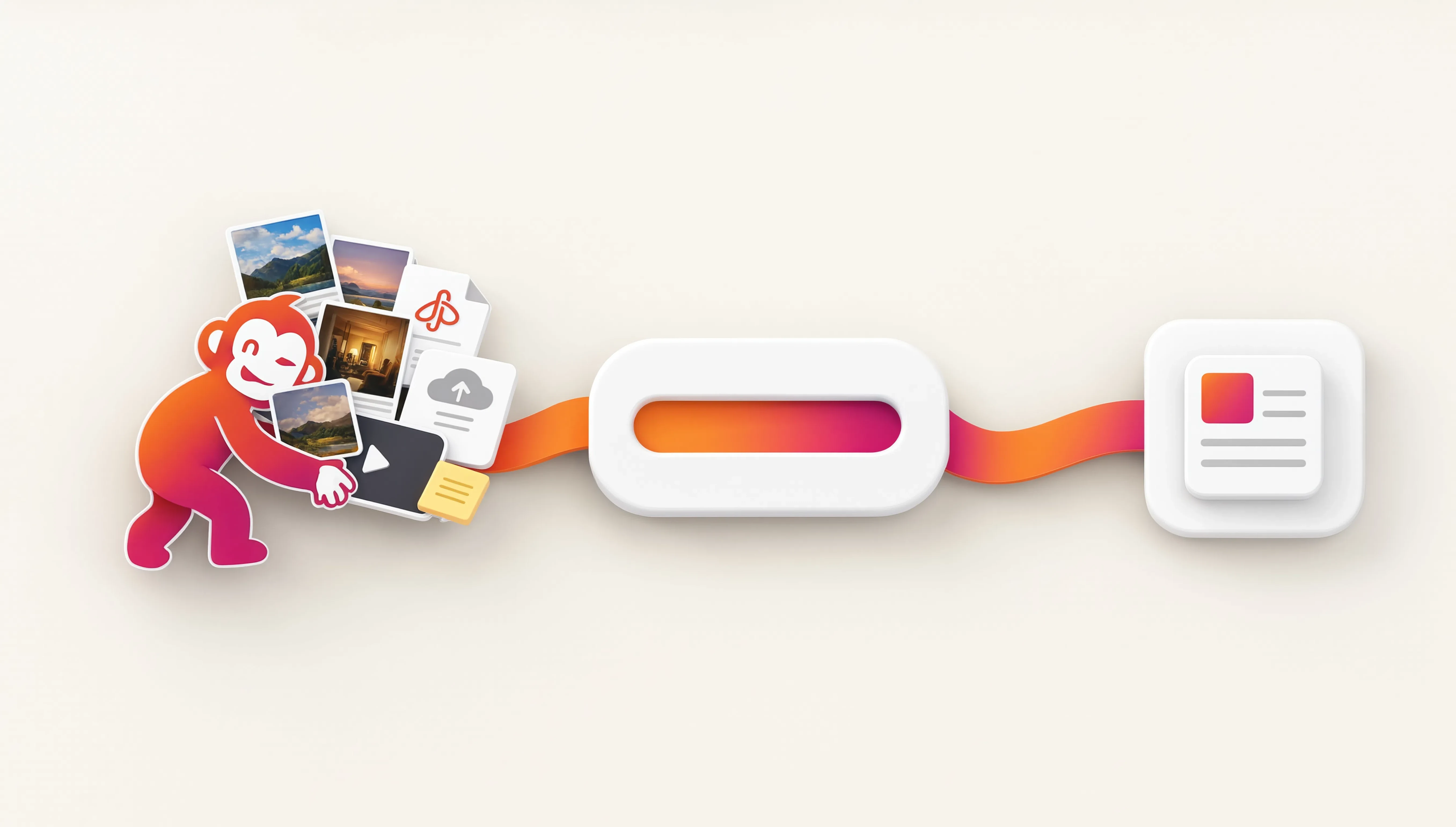
Compatible hand-offs can keep a temporary working copy in that browser so one step can feed the next, but the recipe and the files are still two different things.
No surprise upload halfway through the job.